
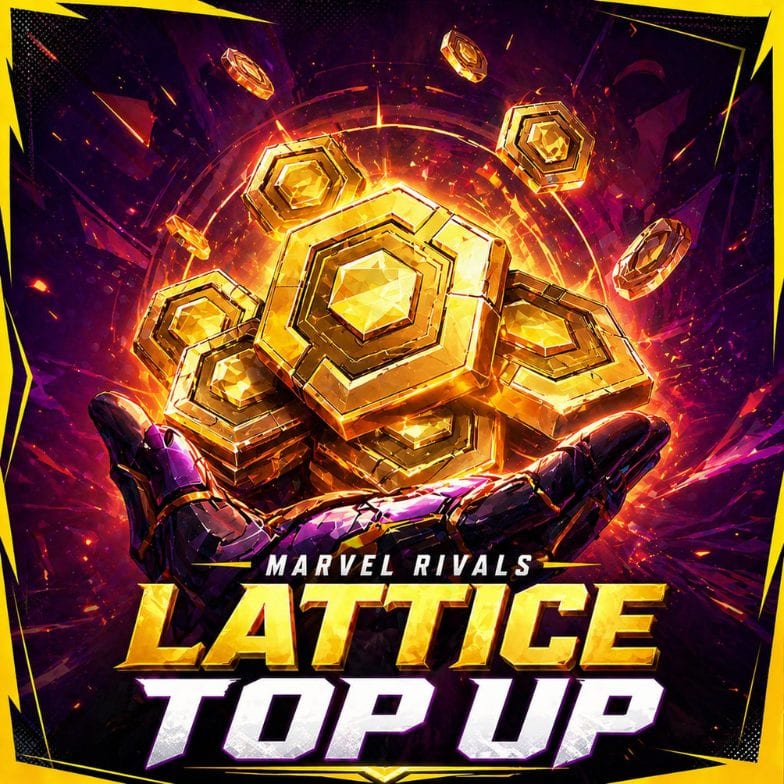


Buy Marvel Rivals Lattice when you want premium currency for skins, store bundles, Luxury Battle Pass access, Units conversion, and other cosmetic unlocks. Lattice is the paid currency in Marvel Rivals, used mainly for visual content, account customisation, and premium store purchases.
Marvel Rivals paid content does not give gameplay power. Players use Lattice for costumes, bundles, sprays, emotes, nameplates, MVP animations, Battle Pass rewards, and limited-time store items. It is a simple way to unlock more account style without changing how strong your heroes are in matches.
On CoinLooting, you can buy Marvel Rivals Lattice through fast Direct UID Top-Up. You do not need login details, in-game trade, mail delivery, or booster gameplay, so you can top up your account and return to the game with less friction.
Why Players Buy Marvel Rivals Lattice
Players buy Marvel Rivals Lattice to unlock specific cosmetic content faster. They avoid unclear payment steps and platform issues. If you already know which skin, bundle, Battle Pass option, or store item you want, a direct top-up helps you get the right currency amount faster.
Most players use Lattice for:
- Premium skins and costumes
- Store bundles
- Luxury Battle Pass access
- Units conversion at a 1:1 ratio
- MVP animations
- Emotes, sprays, banners, and nameplates
- Limited-time cosmetic offers
- Future store rotations
The main benefit is simple: choose the Lattice amount that fits your goal, place the order, and use the currency for your planned unlocks. Since Marvel Rivals paid content is cosmetic-focused, Lattice is best for players who care about hero style, collection progress, and account appearance.
How Marvel Rivals Lattice Top-Up Works
Direct UID Top-Up delivers Marvel Rivals Lattice to your account. After confirmation, CoinLooting adds the selected Lattice amount to your Marvel Rivals account using the User ID and platform you provide.
You do not need to share your login details. You only need to enter your correct Marvel Rivals User ID, choose your platform, select the Lattice amount, and check your balance after completion.
This flow does not use in-game mail, player trade, match sessions, or booster access. The top-up adds Lattice to your account balance, so enter the correct User ID and platform before checkout.
Most orders take 5–20 minutes after order confirmation. Processing time can depend on platform, payment status, order queue, account details, and support confirmation if extra checks are needed.
Why Buy Marvel Rivals Lattice from CoinLooting
CoinLooting gives players a cleaner way to buy Marvel Rivals Lattice without turning a simple top-up into a complicated order.
Here is what matters when choosing CoinLooting:
- Clear price before checkout: you choose the Lattice amount first and see the final price before placing the order.
- Fast Direct UID Top-Up: CoinLooting adds Lattice to your Marvel Rivals account without in-game trade, mail, or booster gameplay.
- No login details required: you do not need to share your password, email access, or account credentials.
- Live Chat with real support: real support is online daily from 08:00 to 00:00 European time if you want to confirm the amount, platform, User ID, payment status, or order step.
- Human order check: the team reviews your details before processing, which helps reduce mistakes with wrong User IDs or platform selection.
- Established gamer-run service: CoinLooting has worked with gaming currency and boosting orders since 2021 and is backed by 1000+ Trustpilot reviews.
If you also need gameplay progress instead of premium currency, you can check Marvel Rivals Rank Boost or Marvel Rivals Level Boost.
Get Your Marvel Rivals Lattice and Keep Playing
Buy Marvel Rivals Lattice on CoinLooting, top up your account, and unlock the skins, bundles, Battle Pass access, or cosmetic items you want without extra grind. Once the top-up adds Lattice to your balance, jump back into Marvel Rivals with your next unlock ready to use.