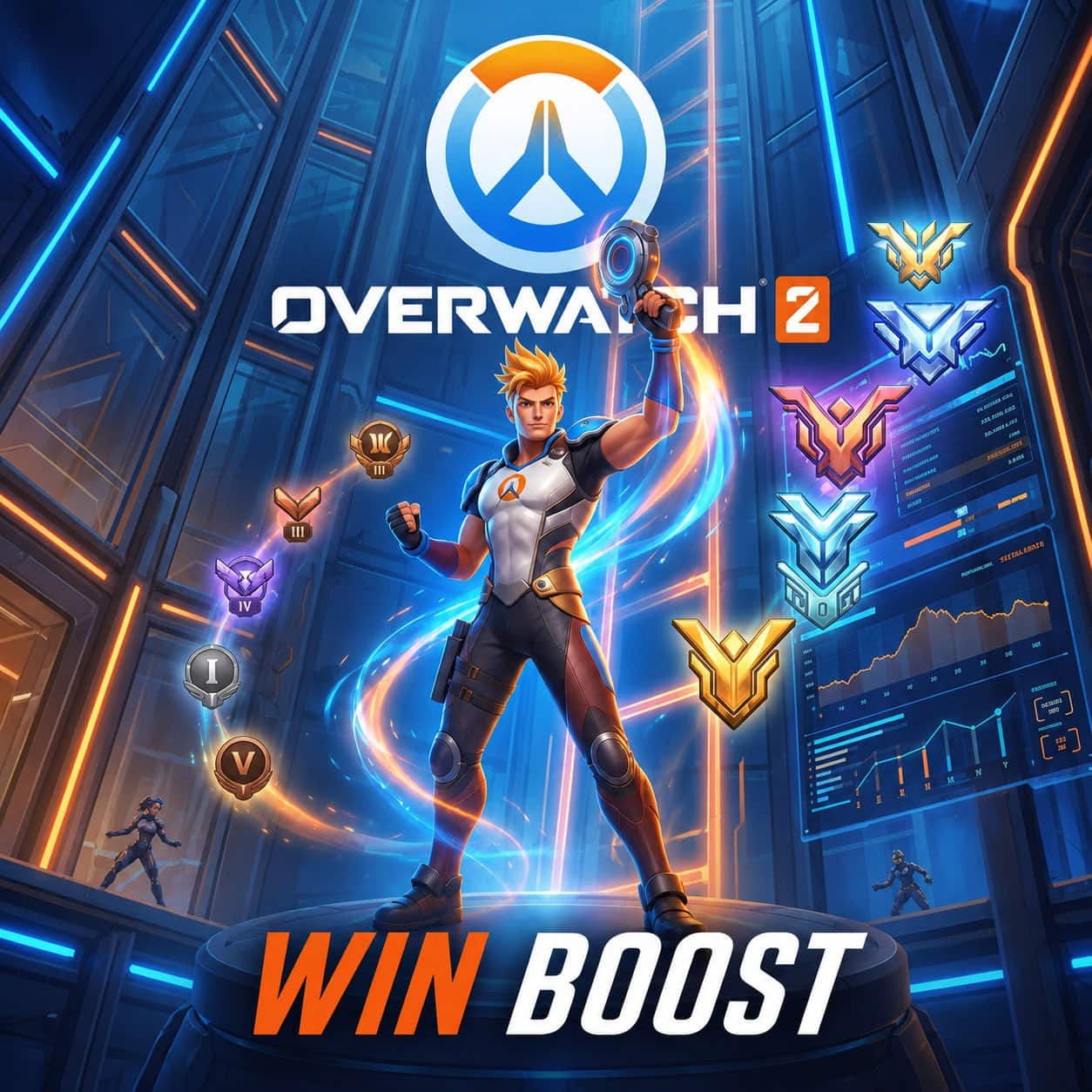
Buy Overwatch 2 Win Boost for selected OW2 wins with Selfplay or Account Share

Buy Overwatch 2 Win Boost – Manual Wins for Selected OW2 Modes

1110+ Reviews
  • Overwatch 2 Win Boost helps players secure the selected number of wins in the chosen OW2 mode, role, and platform setup.
  • Selfplay lets the player stay on their own account during the scheduled run when this option is selected.
  • Account Share is available for piloted completion, with temporary access required only during active boost sessions.
  • Supported orders are completed manually by real players, without bots, scripts, cheats, macros, third-party software, or automation.
  • 5-30 min order processing covers setup review, method check, schedule confirmation, or first contact after checkout.
  • Clear setup before checkout helps reduce mistakes with platform, region, BattleTag, mode, role, number of wins, and access method.

Buy Overwatch 2 Win Boost when a selected number of OW2 wins matters more than another long session of unstable matchmaking, role pressure, or repeated losses. The official Overwatch Hero Statistics separate Tank, Damage, Support, Quick Play – Role Queue, Competitive – Role Queue, rank tiers, maps, and regions, which shows how much each win depends on mode, role, team setup, and patch balance.

CoinLooting handles Overwatch 2 Win Boost manually through Selfplay or Account Share when the selected setup matches the order details. Players planning broader PvP progress can check available Overwatch 2 services. If the goal is a specific rank or division rather than a fixed number of wins, Overwatch 2 Rank Boost may fit the account goal better.

Why Players Buy Overwatch 2 Win Boost

Players usually choose OW2 Win Boost when they need a defined number of match wins without turning every session into a long grind. A win-based service fits players who already know their target and want progress tied to completed victories rather than broad account leveling.

Common reasons include:

  • Recovering after a losing streak in the selected mode.
  • Finishing a small number of wins before a personal rank or reward goal.
  • Saving time when solo queue feels inconsistent.
  • Getting support for a specific role, such as Tank, Damage, or Support.
  • Keeping progress moving across PC, PlayStation, Xbox, or Nintendo Switch setups when supported by the order form.
  • Choosing Selfplay when the player wants to join the run without sharing login details.

The main value is control. The player selects the win target, method, platform, and mode before checkout, then follows a confirmed setup instead of guessing how the service will work.

What You Get With OW2 Win Boost

Overwatch 2 Win Boost covers the selected number of wins for the mode and setup chosen in the order form. The final result depends on the selected method, role, platform, current matchmaking state, account access, and schedule.

Possible setup options may include:

  • Selected number of OW2 wins.
  • Competitive or unranked mode when available in the form.
  • Role selection when the service supports Tank, Damage, or Support.
  • Selfplay, where the player joins the group and keeps account control.
  • Account Share, where CoinLooting completes the selected wins through temporary access.
  • PC or supported console platform setup.
  • Schedule confirmation before active completion.

This product is not a rank guarantee by itself. Wins can support Competitive progress, placements, role goals, and account recovery, but visible rank movement depends on Overwatch 2 matchmaking, MMR, current rank, recent match history, and game-side systems.

Completion Details

After checkout, CoinLooting reviews the selected number of wins, platform, region, BattleTag or platform ID, mode, role, and completion method. Live Chat may confirm schedule, access, Selfplay participation, or missing account details before the boost starts.

5-30 min order processing refers to setup review, method check, schedule confirmation, or first contact. Full completion time depends on the number of wins, queue time, selected role, current rank, mode availability, account readiness, platform, and player availability for Selfplay.

For Selfplay, the player joins the scheduled run on their own account and follows group instructions during the match session. For Account Share, temporary access is required during active completion, and the player should stay offline until support confirms that the session is finished.

Possible delays include wrong BattleTag, unavailable Competitive access, incorrect platform, missing authentication confirmation, schedule mismatch, account restrictions, disconnects, or a selected mode that is temporarily unavailable in the live game.

Manual Wins With Clear Setup

CoinLooting uses manual completion and clear buyer checks for supported OW2 Win Boost orders. Supported sessions are handled without bots, scripts, cheats, macros, third-party software, or automation.

The stronger trust signal is not review volume alone. CoinLooting has worked with game service orders since 2021, collects real buyer feedback, supports 24/7 ordering, and keeps Live Chat available 08:00-00:00 CET/CEST for setup, timing, and access questions.

Prepare Your OW2 Win Setup

Choose the number of wins, method, platform, mode, and role carefully before checkout. Contact Live Chat before processing if the account has limited Competitive access, a schedule issue, a console login detail, or a role-specific requirement.

STEP 1:  Select your OW2 win setup

Choose the number of wins, mode, platform, role, and service method when these options appear in the order form.


STEP 2:  Enter account and player details

Add the correct BattleTag, platform ID, region, selected role, and any extra details needed for Selfplay or Account Share.


STEP 3:  Review and complete checkout

Check the selected wins, method, platform, mode, role, account data, schedule needs, and final price before payment.


STEP 4:  Confirm schedule and access

Live Chat may confirm timing, Selfplay participation, login access, authentication, mode eligibility, or missing setup details.


STEP 5:  Track completion and verify wins

CoinLooting completes the selected wins manually. The player checks match history, account progress, or Competitive update status after completion.

  • Active Overwatch 2 account.
  • Correct BattleTag, platform ID, region, and platform.
  • Selected mode unlocked on the account, especially when Competitive wins are selected.
  • Correct role choice when the order uses Tank, Damage, or Support selection.
  • Stable account status with no active restrictions that block matchmaking.
  • Player online at the confirmed time for Selfplay orders.
  • Party invite access and stable connection for Selfplay completion.
  • Temporary account access for Account Share orders.
  • Player offline during active Account Share completion unless support confirms another setup.
  • Live Chat access for schedule, account access, authentication, and setup confirmation.

For Selfplay setup, the player joins on their own account and keeps account control. For Account Share setup, temporary account access is required during active completion.

Does Overwatch 2 Win Boost guarantee a higher rank?
No. The service covers the selected number of wins. Competitive rank movement depends on Overwatch 2 matchmaking, MMR, current rank, placements, recent match history, and game-side progression rules.
What is the difference between Selfplay and Account Share?
Selfplay means the player joins the run on their own account and plays with the group. Account Share means CoinLooting completes the selected wins through temporary account access.
Do I need to share login details?
Only Account Share requires temporary login access. Selfplay does not require login details, since the player joins the scheduled run directly.
How long does OW2 Win Boost take?
5-30 min order processing covers setup review, schedule confirmation, or first contact. Full completion time depends on number of wins, role, mode, rank range, queue time, platform, and player availability.
Can I choose Competitive wins?
Yes, when Competitive mode is available in the order setup and unlocked on the account. If the account cannot access Competitive, contact Live Chat before processing.
Can I choose a specific role?
Role selection depends on the order form and current service setup. When role choice is available, select Tank, Damage, or Support before checkout.
What happens if I enter the wrong BattleTag or platform?
Contact Live Chat before the order is processed. Wrong account data can delay the run or require setup correction before completion starts.
Can the wins be completed across several sessions?
Yes, larger or schedule-sensitive orders may be split into sessions when needed. Live Chat can confirm the plan before active completion.
Can I play on the account during Account Share completion?
No. For Account Share, stay offline during active sessions unless support confirms a pause or a different setup.
Are bots or scripts used for OW2 Win Boost?
No. Supported orders are completed manually by real players without bots, scripts, cheats, macros, third-party software, or automation.
We are currently online. Delivery time: 5-60 minutes. Live support available: 08:00-00:00 (CEST).
1
Grand total
Buy Overwatch 2 Win Boost for selected OW2 wins with Selfplay or Account Share

Buy Overwatch 2 Win Boost – Manual Wins for Selected OW2 Modes

1110+ Reviews